01
Walk
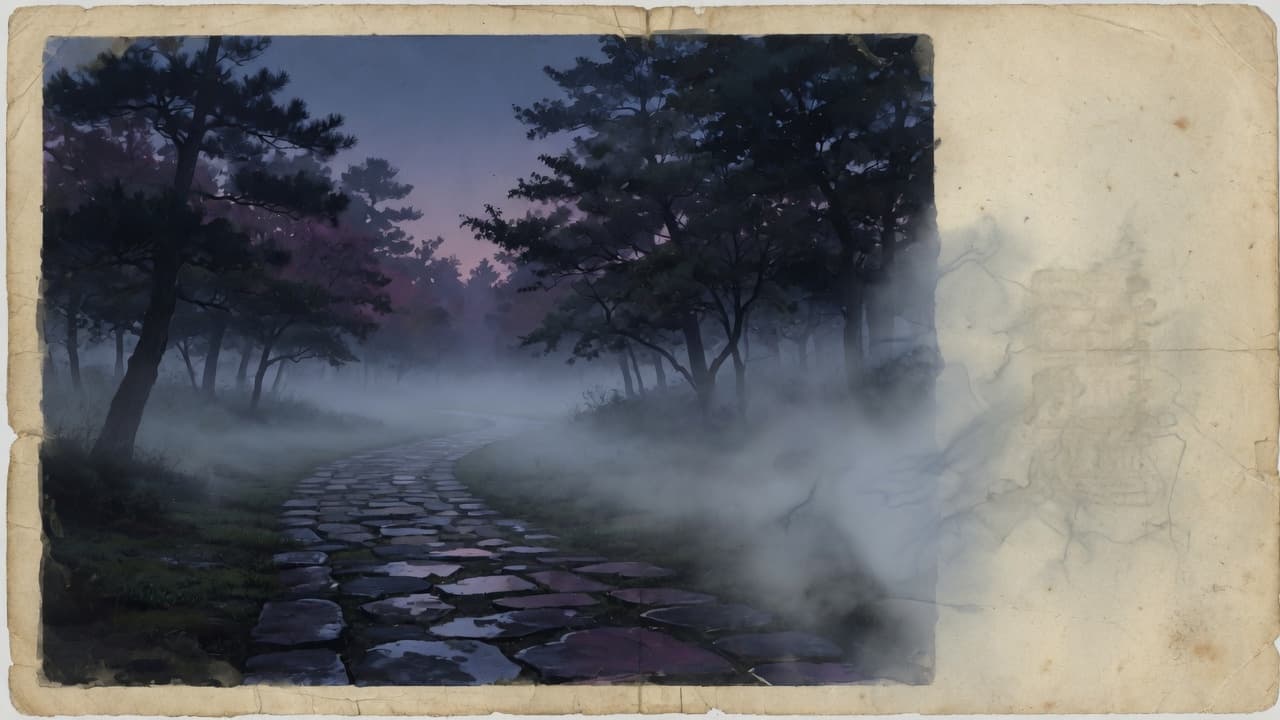
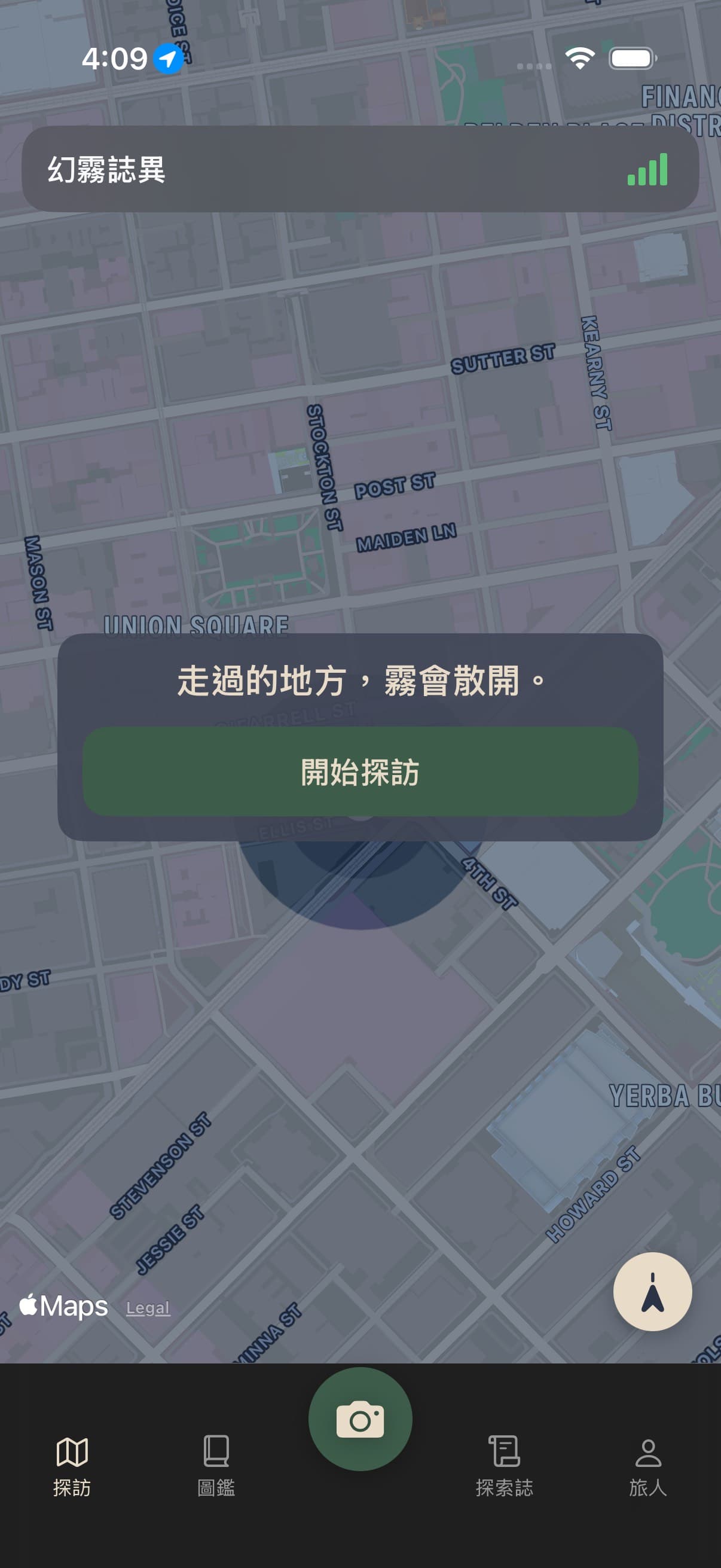
Tracking starts when you start a visit. Cells you cross step out of the fog and stay out when you stop. On foot, by rail, by boat — not by air: flights belong to the flight journal and never light a corridor across the map.

MythFog誌
The world's fog lights from your footsteps. A shutter keeps the present; manifestation arrives later from the mist. This is not catching monsters. It is writing the places you walked into your own gazetteer.
Invite-only testing on TestFlight, with a limited number of seats.
Not monster catching. Not gacha. A world history that exists only where you have walked.
THE MYTHFOG JOURNAL
01
Tracking starts when you start a visit. Cells you cross step out of the fog and stay out when you stop. On foot, by rail, by boat — not by air: flights belong to the flight journal and never light a corridor across the map.
02
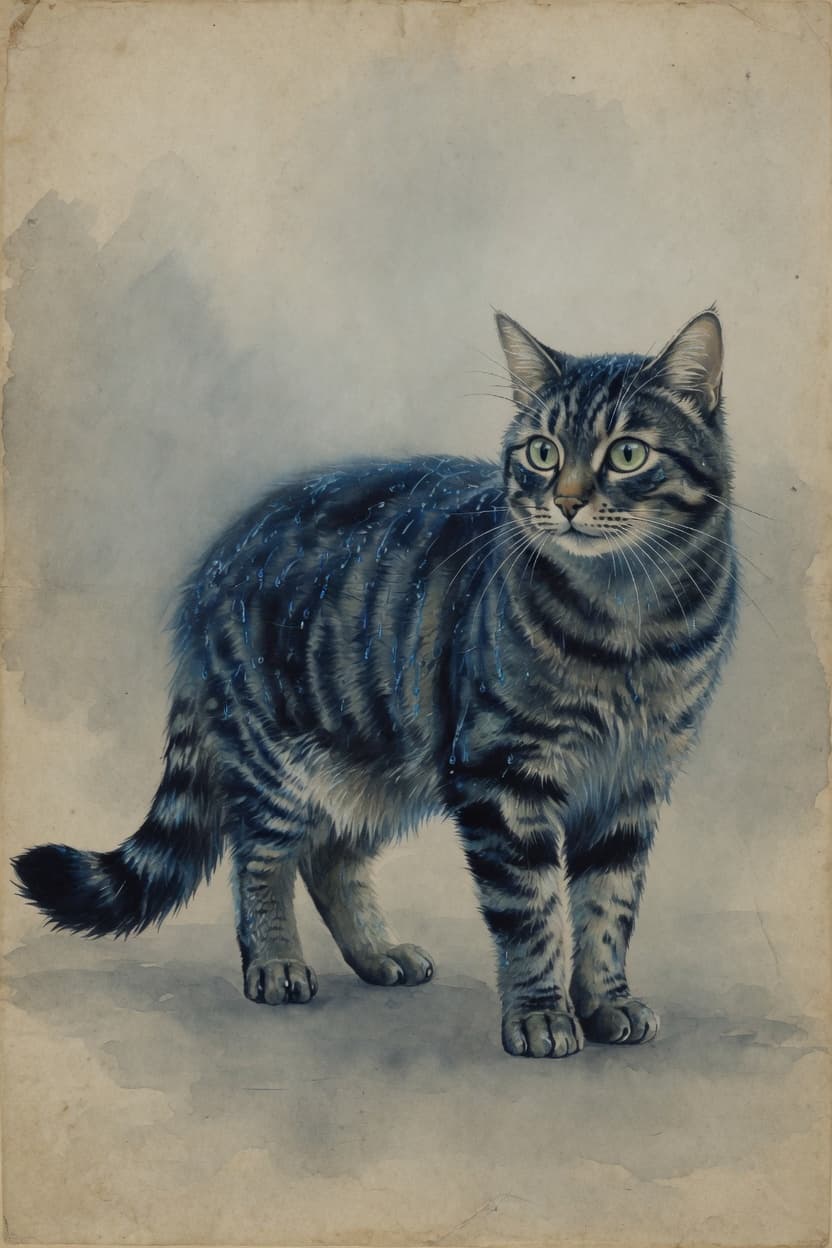
The shutter settles the reality face at once: the time, the place, the thing you saw. Faces are not kept.
03
Sign in and manifest. The myth face is written later, out of the mist. Same cat, different rain, a different creature.

iOS 17+, Taiwan first. Explore as a guest. Apple or Google sign-in is for saving, manifestation, and friends.

Tracking starts when you begin a visit. After a long still spell, precise GPS pauses and cheap cell/Wi-Fi coarse fixes keep watch; walking or a vehicle turns GPS back on. Signal bars fill 0–4, green when lit and gray when empty. Two-finger rotate turns the map; the compass returns north-up. The lantern beam stays on true north. Walking, rail, and boats count; flights don't — those go to the flight journal and never light a route on the map. With the life trail on, stays among the places you passed that are not routine surface by themselves as discoveries, gathered into one line a day on the trail timeline.

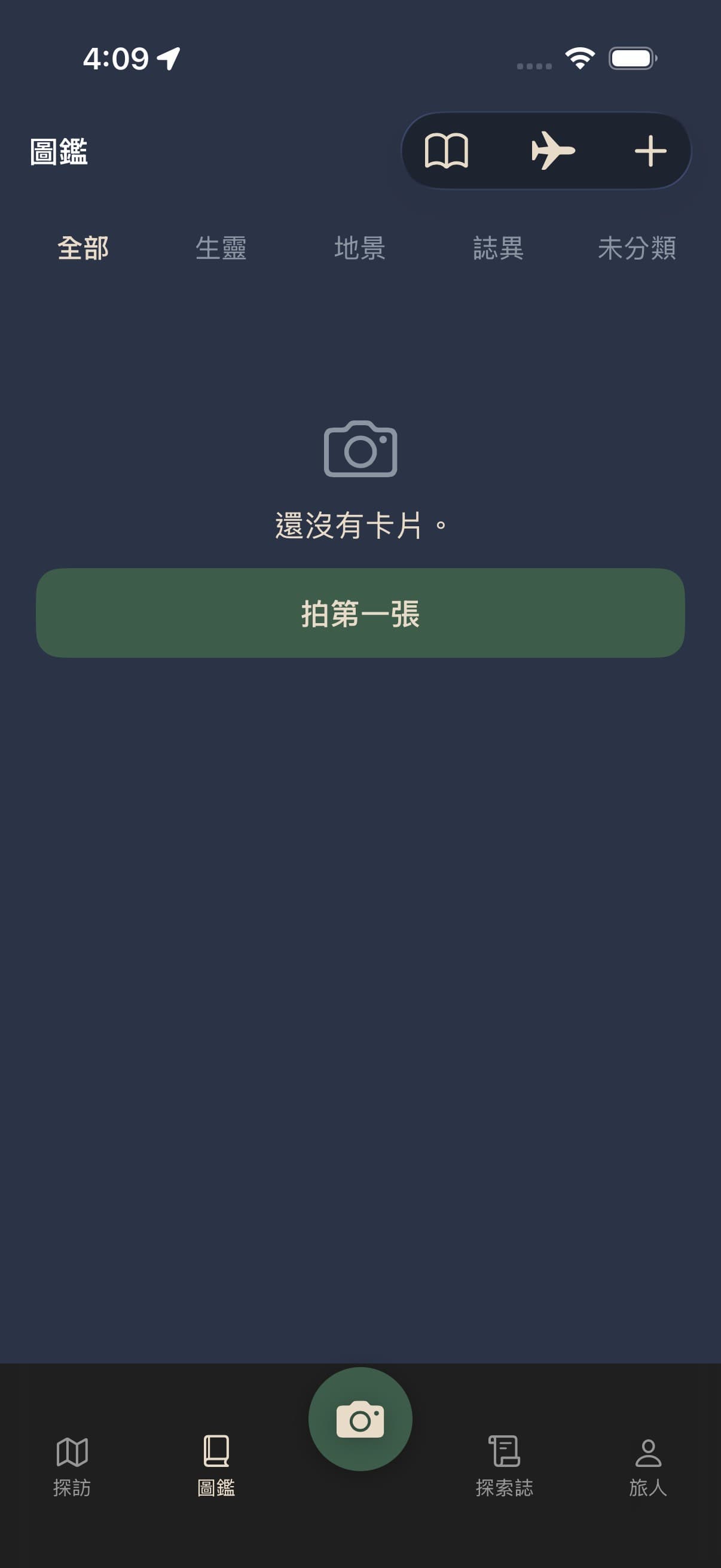
Shutter, or the plus icon in the Codex, writes a collector card at once: the name above, stem-branch time, a small Gregorian stamp, and the country.city from capture GPS below. Tap the name to rename; it saves when you finish. A photo imported from your library is filed under its original capture time and place, not today. The original stays on the phone; the cloud keeps GPS-stripped thumbs and an archive. Codex tabs are All, Life, Landmark, Omen, Unsorted; you can change a card's category. Delete from the card; the local photo and cloud copy both go. You can also save the field photo and the myth picture to Photos. Settings has Save live shots to Photos, off by default; turn it on and a shutter shot is copied into the library. Faces are not kept: a notice appears and the shot is not saved. After manifestation the card stays on screen. Food omens can write calorie and nutrient estimates, visible only once you open the card; Codex and journal tiles never show them.
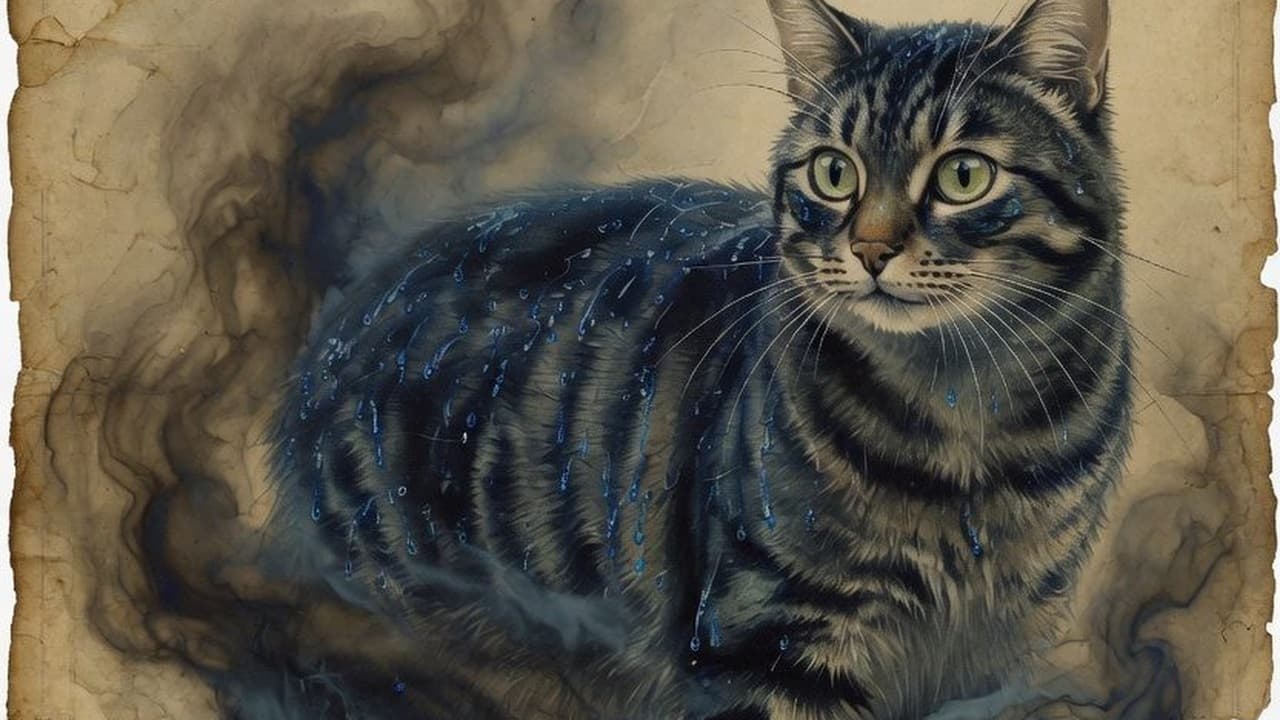
After sign-in, the myth face arrives later. Tap Manifest or Research and the card turns to its back: paper, with ink spreading along the fibres. While the picture is being made the ink holds at four fifths; when it arrives the ink carries on from where it stopped — you can walk away, and the first thing you see on your return is it finishing. What the ink uncovers is a foil card: one of four foils — paper, prism, lattice, gold — is chosen when the card is made and never changes; tilt the phone to see it move. The myth face takes its sky from the weather at the moment you pressed the shutter. A manifested card can be manifested again for one more ink. Vision, lore, and image queue in steps. Rarity is world rules, not the model. Daily ink refills to the cap (3 free, 5 with Pass); after a night of good sleep one extra is added that day.
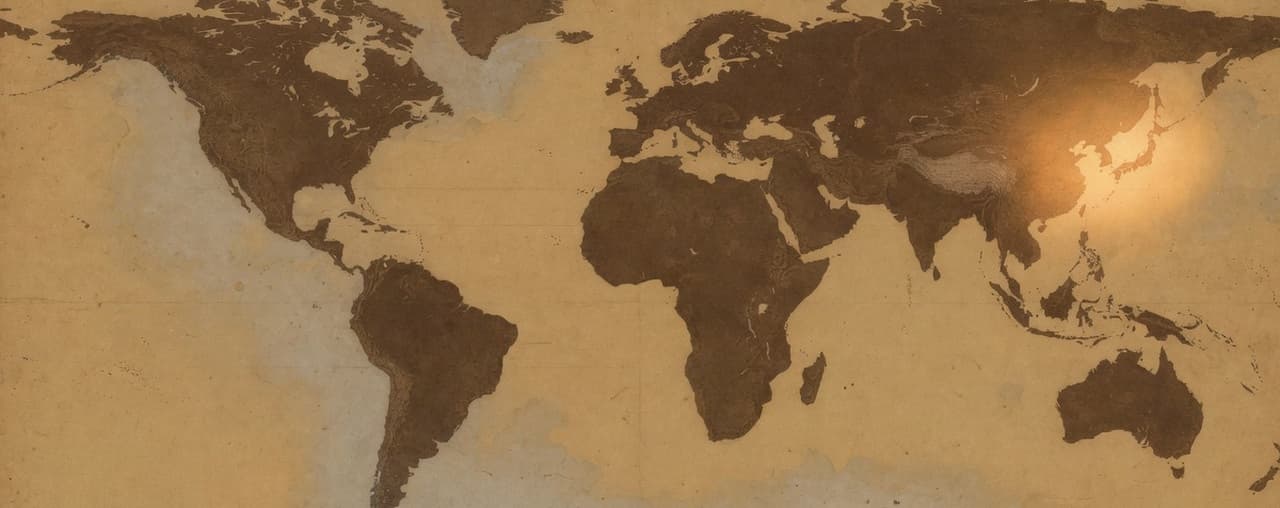
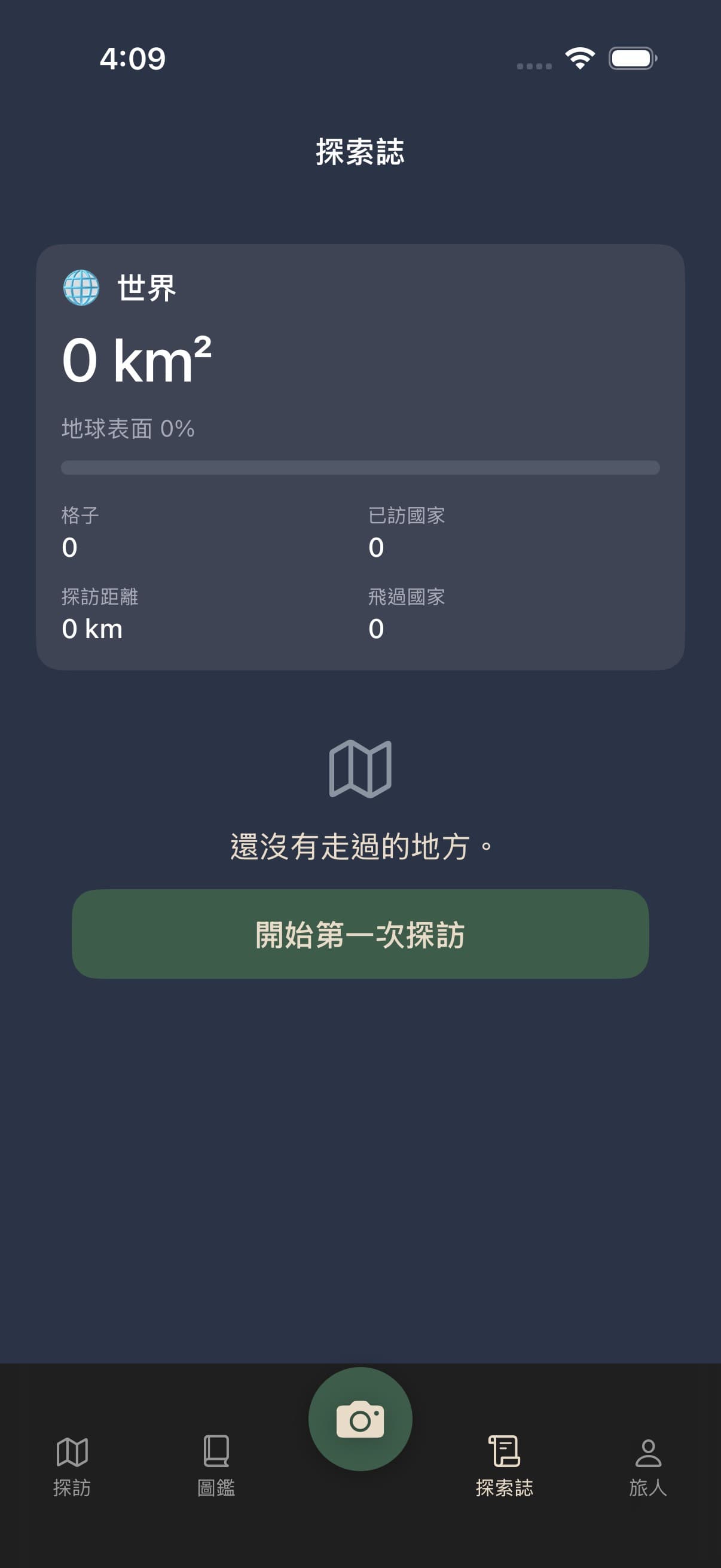
Land and Activity on one page, no more tabs. Land is the country list with a world summary: visited countries come from visit cells; flown countries come from taken flights, marked beside the name, and never light fog or add to visit distance. Swipe the country list to switch continents, and the chips stay in sync; search countries in Chinese, Japanese, or English; sort by name or explored area. Trip journals and flights live in the Codex toolbar. The Activity Recap card (formerly Daily Ritual; steps, sleep, and a 7-day bar chart) has moved to the traveler page, above the Friends row. Food-omen calories are shown from a toggle in traveler Settings. Friends, Visit Guardian, and Settings now live on the traveler page.
Beside the Codex. Upcoming flights are cards, nearest first; swipe left to delete. The card shows the flight number with the airline (for example BR102 EVA Air), departure and arrival times, and the terminal when known — not the airport’s full name. Flight hours sit beside the leg distance and use airport time zones, not a raw clock subtraction. The last list opens from this phone, then refreshes in the background. There is no Did not take button. Search by flight number and date on the same screen. The private forwarding address lives in the envelope: signing in makes a random @inbound.mythfog.com address, and you can swap it for a new one, which retires the old address. Distance counts after the departure time. It does not light fog or add to visit distance; flown countries show on the gazetteer Land tab. Major world airports and trunk routes are preloaded so a flight-number search fills in the airports immediately, without waiting on an outside lookup; a live timetable overlays when available. Flights already in the journal do not show in the envelope. After you delete every matching flight from the journal, the same ticket mail can be added again. A background job slowly fills worldwide regular routes into the shared catalog; it does not scan every flight every day. Lookups and confirmed flights stay in a shared catalog.
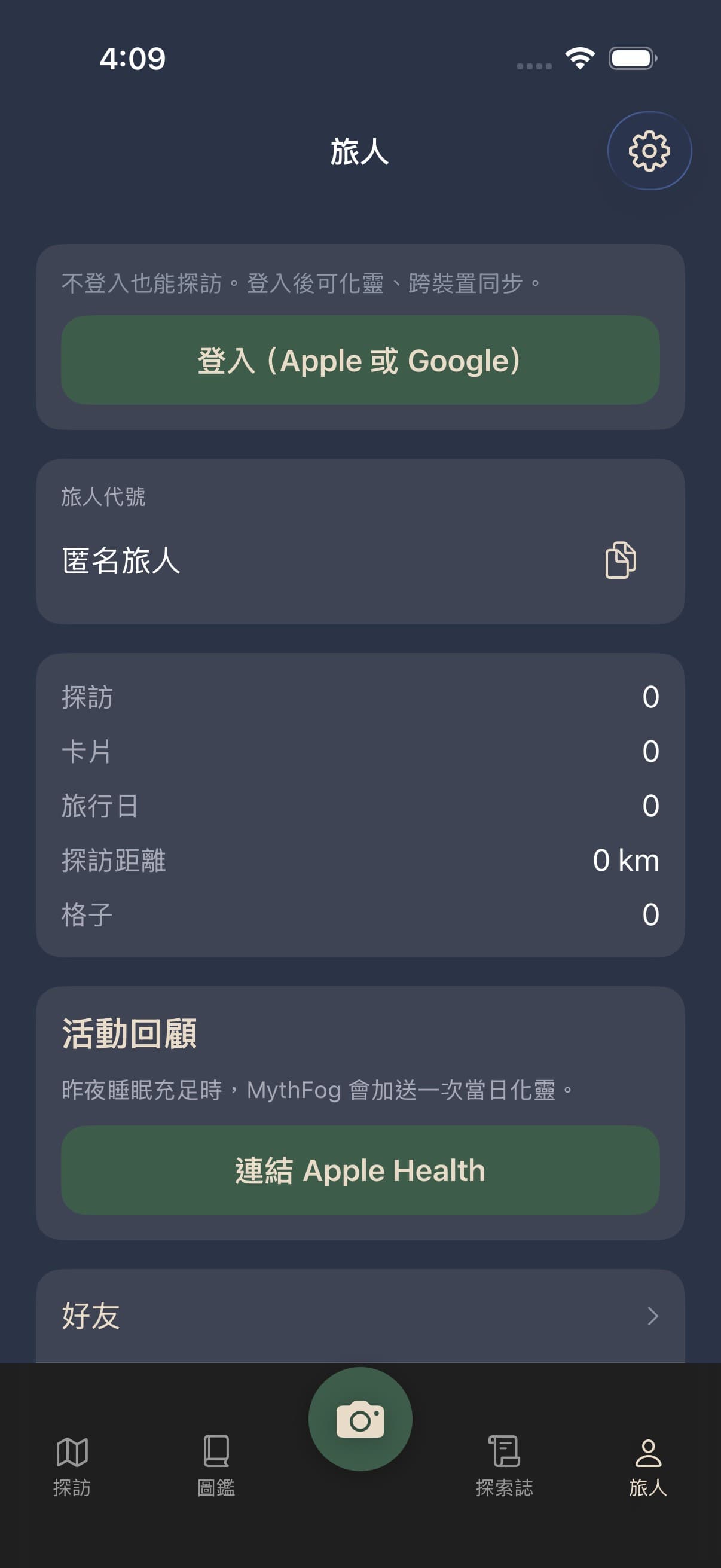
Above the Friends row on the traveler page — your own recap of activity and sleep. Apple Health can show steps, sleep hours, and a 7-day step bar chart; raw health samples never leave the phone. After one link it reads by itself next time; before that the card holds only a Connect Apple Health button. Health distance is never added to visit distance. After a night of good sleep, MythFog adds one extra manifestation for the day.

The traveler page holds the traveler code, the ink pip bar directly under it (hidden when signed out), then your numbers, then the Activity Recap card, then two rows: Friends and Visit Guardian; Settings is the gear at the top right. Switch Chinese, English, or Japanese. Above Terms: website, handbook, X, Threads, and Instagram as icons, plus Share with friends. After sign-in, add X/Threads/Instagram in Settings; an eye toggle shows them publicly. The food nutrition switch only controls whether that one line shows on the card. Visit Guardian is the old safety check-in renamed, on a page of its own: one guardian invited by email, notified only after they accept. Email goes out after 24 hours with neither a tap nor real movement on a visit. The switch labelled I have read the limits spells the limits out beside it, and turning it on counts as having read them. It is not rescue. The Friends row has the plus button that searches, copies the invite link, and shows a QR.
What is live comes first. What is not live is not claimed.
Now
Next
Later
Walk, trail, capture, journals, flights, manifest, gazetteer, traveler, friends, guardian, and settings — each step with the real app screen.
A yearly subscription, one plan only. Everything in the free app stays free; the Pass opens three things.
US$29.99 / yearas shown in the App Store
| Free | Pass | |
|---|---|---|
| Import flights and trails | Not included | Included |
| Forwarded ticket mail (per month) | 5 | 30 |
| Daily ink cap | 3 | 5 |
| Visit Guardian guardians | 1 | 3 |
Renews automatically; cancel any time in the App Store.
You can already walk, capture, and manifest. The world will keep growing from the fog.
Start a visit →Invite-only testing on TestFlight, with a limited number of seats.